01 / MOTION
Find a regular pattern
Explore the telescoping settings gradually from the front controls.

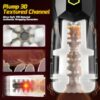
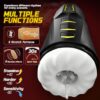
$92.00
Review surface detail, shape, scale impression, controls, charging visuals and cleaning expectations. Plain outer packaging and secure checkout are kept for adults 18+.
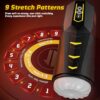
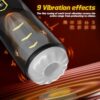
View detail guideNine telescoping patterns and nine vibration effects work through a textured TPE sleeve, with an optional thirty-second burst mode.

TELESCOPING MOTION · BURST CONTROL
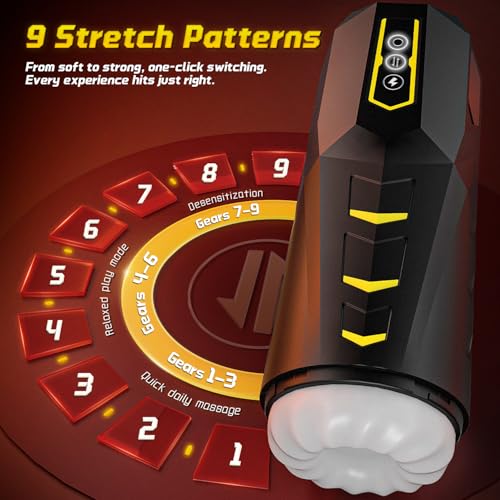
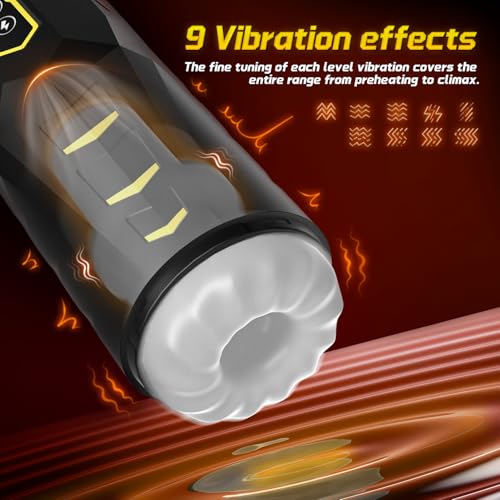
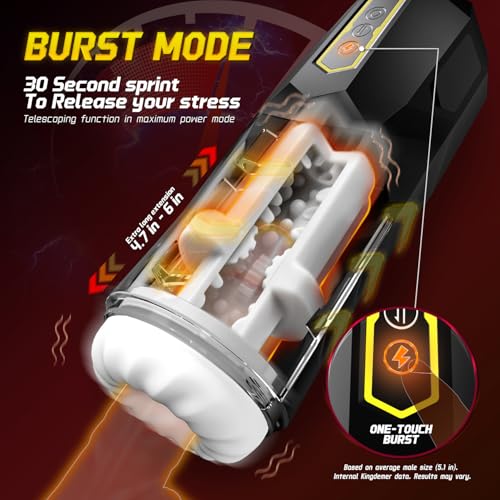
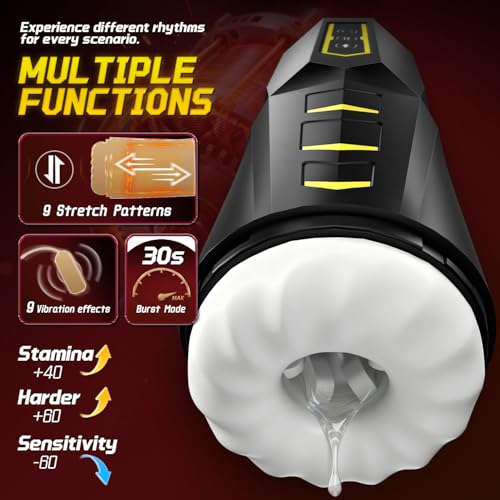
Nine telescoping patterns and nine vibration effects work through a textured TPE sleeve, with an optional thirty-second burst mode.
Choose among the listed telescoping patterns.
A separate function group varies the vibration.
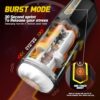
The lightning-marked control selects a timed burst.
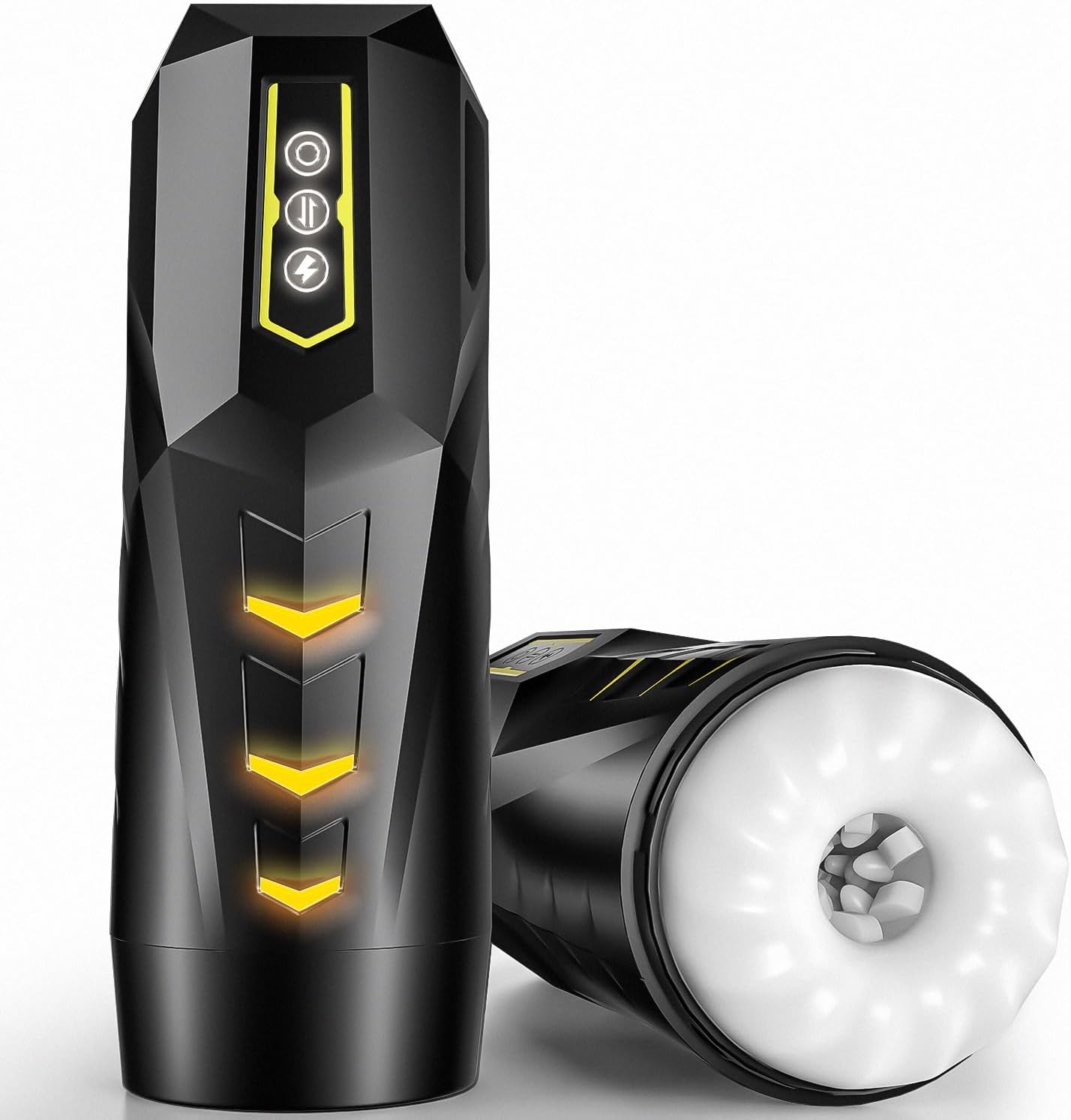
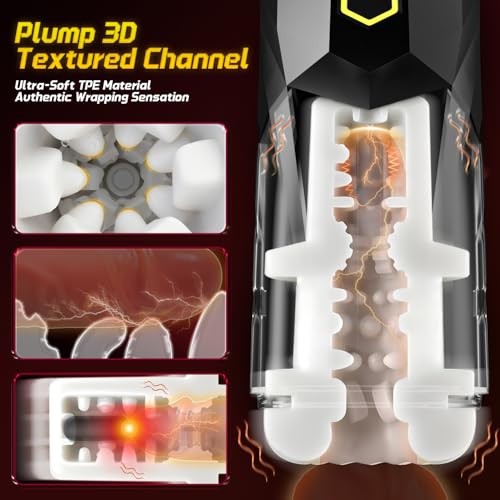
Raised details line the internal contact surface.
THE DETAILS
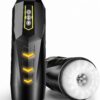
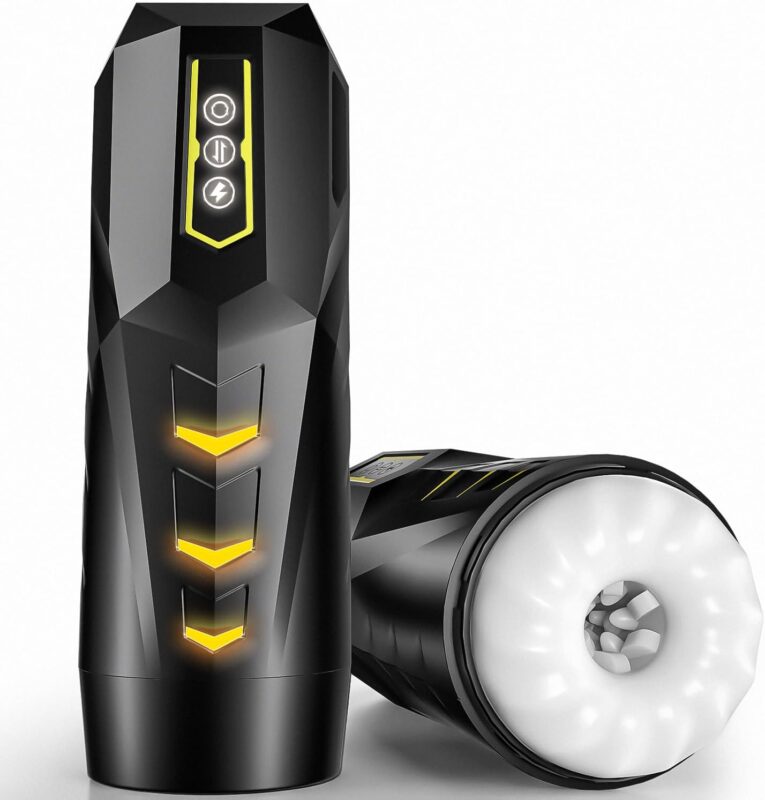
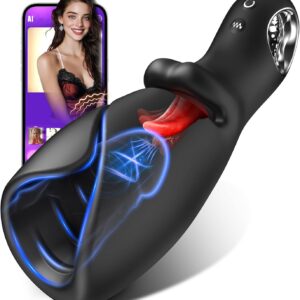
Three front controls sit within the angular black-and-yellow body. Inside, a white textured sleeve forms the contact surface; the cutaway illustrations show how the parts are arranged.
01 / MOTION
Explore the telescoping settings gradually from the front controls.
02 / VIBRATION
Nine listed effects provide a second group of settings.
03 / BURST
Use the optional thirty-second burst after becoming familiar with regular operation.
TWO FUNCTION GROUPS
The controls offer two distinct sets of settings. Explore each gradually; the product is not described as eighteen levels on a single intensity scale.
TIMED BURST
The lightning-marked control identifies the one-touch telescoping burst. Choose it deliberately after getting comfortable with the normal patterns.
INSIDE THE SLEEVE
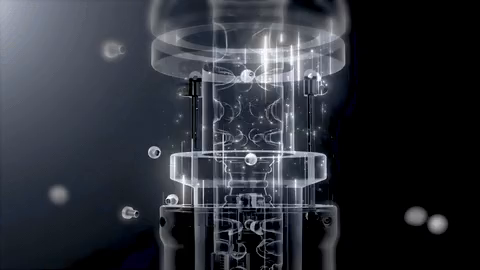
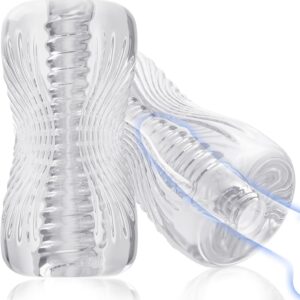
The white TPE sleeve contains raised shapes along its interior. Cutaway views explain that arrangement; transparent portions are illustrative and do not indicate a separate clear product version.
DESIGN ANIMATION
The moving cutaway is a design animation. It explains the internal arrangement and is not a filmed performance test of a physical unit.
VIDEO
Explore the original product video alongside the detailed views above.
HOW TO USE
Set up, adjust and care for your product according to its supplied instructions.
Read the supplied instructions and check that the contact surface is clean and undamaged.
Disconnect any charging cable and hold the housing securely.
Begin gently and explore the telescoping patterns from the front controls.
Change the vibration effect, or select the timed burst once familiar with regular operation.
Turn off before repositioning or cleaning; stop if contact becomes uncomfortable.
CARE & STORAGE
A little care helps keep the product clean, dry and ready to store.
CARE / 01
Switch off and remove the charging cable first.
CARE / 02
Clean the internal sleeve as directed without dismantling the powered mechanism.
CARE / 03
Do not immerse the unit or expose the charging connection to water.
CARE / 04
Let cleaned parts dry completely; protect the product from heat and sharp objects.
AT A GLANCE
Key details for this product and the options shown on this page.
QUESTIONS, ANSWERED
Useful answers about the product, its options and everyday care.
The product guide lists nine telescoping patterns and nine vibration effects. These are two different function groups, not eighteen intensity levels on a single scale.
The guide describes a one-touch, thirty-second telescoping burst. The lightning-marked control identifies the burst function.
The cutaway product information identifies the sleeve as TPE. Its white internal surface has raised textured shapes inside the black housing.
No. The GIF is labeled Design animation: it is a rendered cutaway explaining the internal design. It is not a filmed operating test of a physical unit.
Do not immerse the unit. Keep the powered housing and charging connection dry, and follow the supplied instructions for cleaning the sleeve.
This model has a black outer body with yellow trim and a white internal sleeve. Transparent cutaway views explain the design; they are not additional product color options.
AITOYPLAY
Choose your available option above and review the product information before adding it to your bag.
| Color | Black / Yellow |
|---|
Review surface detail, shape, scale impression, controls, charging visuals and cleaning expectations.
Confirm the exact style, color, size, pack count or included pieces shown on this page. Orders are prepared for adults 18+ with secure checkout and plain outer packaging.
No reviews yet. Tried it? Your honest review helps others.
Write a review

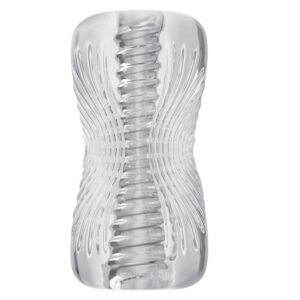



Be the first to review “Telescoping Stroker with Burst Mode”